.svg)

Store Operations
Intelligent decisions.
Physical fulfillment.
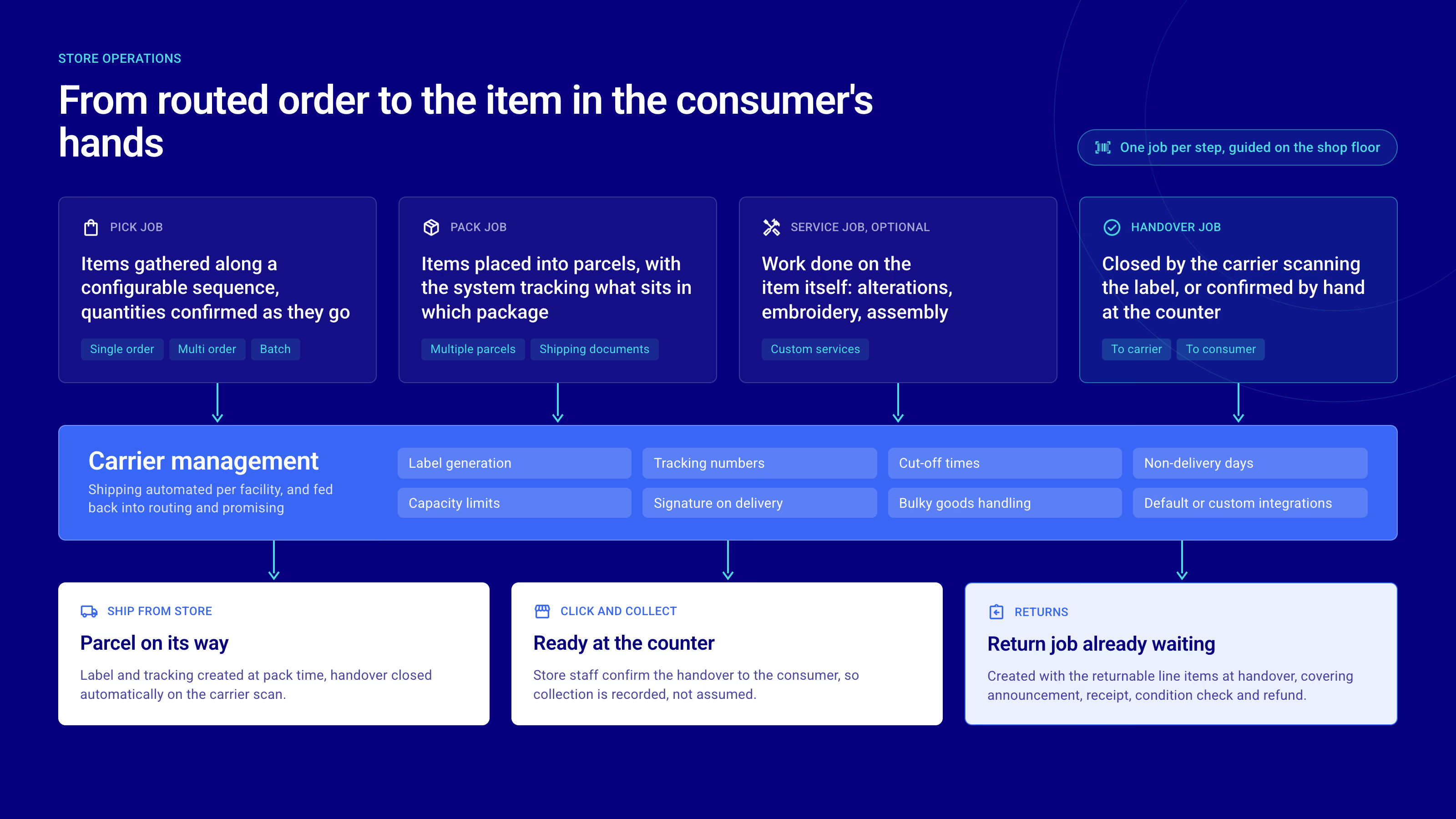
fulfillmenttools manages the entire physical fulfillment process across every facility — from creating pick jobs and multi-order picking to packing, carrier handover, and returns. Every step is guided, tracked, and connected to the routing decisions previously made.


The challenge
Why store fulfillment breaks without the right layer
As more orders are routed to stores, operational complexity grows faster than most teams can manage it. Without a structured fulfillment layer, picking efficiency declines, delivery deadlines are missed, and stores struggle to serve both walk-in customers and online orders simultaneously.

Picking without guidance leads to errors
When store associates pick orders without structured guidance — no optimized routes, no pick job priorities, no visibility into deadlines — errors increase and carrier cut-off times are missed. The result is delayed shipments and broken delivery promises.

No link between routing and store execution
Orders are routed intelligently, but that intelligence stops at the facility door. Without a direct link between routing decisions and operative pick jobs, stores operate in isolation, unaware of priorities, constraints, or the delivery commitments already made to customers.

Fragmented returns reduce inventory accuracy
Without a structured returns process, returned items are assessed and restocked differently across facilities. Inventory accuracy suffers, refund processes slow down, and the returned stock becomes invisible to the routing engine that needs it.

Manual carrier integration per location
When carrier connections, label generation, and handover processes are managed manually at the facility level, inconsistencies multiply. Shipments are delayed, tracking data is incomplete, and operational overhead grows with every new carrier added to the network.
Business impact
Faster, smarter execution at every facility in your network
fulfillmenttools guides store associates through every step of the fulfillment process, from creating a pick job to carrier handover — keeping execution aligned with the routing.

Efficient picking for every order
Pick jobs are created automatically when an order is routed to a facility. Associates are guided through the most efficient sequence, and multi-order picking bundles several orders into a single run. Travel time falls, throughput rises, and capacity stays aligned with order volumes.
Cut-off time management built in
Latest picking start calculations ensure pick jobs begin at exactly the right time to meet carrier cut-offs, no matter how busy the facility gets. The delivery promise made at checkout stays achievable at the facility level, across every shift and every peak, on time and in full.

From picked item to carrier handover
Packing jobs guide associates from picked items to dispatch-ready packages, with configurable container types per facility. Carrier connections, shipping labels and handover are managed directly in fulfillmenttools, with the right carriers for every location.

Inventory flows back into the network
Returns are received, assessed and restocked through a structured process, and interfacility transfers manage stock movements end to end. Returned and transferred inventory is immediately visible to routing, so availability stays accurate and nothing sits idle.

Value-added services alongside fulfillment
Custom services such as gift wrapping, engraving or assembly are added to orders and managed as service jobs alongside the standard picking process, without disrupting operative flow. The premium experience your brand promises, executed in the same workflow.

The execution layer of the Agentic OMS
The network decides, the store executes. Routing decisions arrive as clear, guided tasks, and what happens at the shelf flows straight back: a shortpick reported during picking becomes the signal the Order Monitoring Agent acts on, resolving the risk before your customer feels it.
Core capabilities
Complete operations from pick job to delivery
fulfillmenttools covers every operative step in the facility, from structured picking and packing to carrier integration, returns processing, and interfacility transfers.
Picking
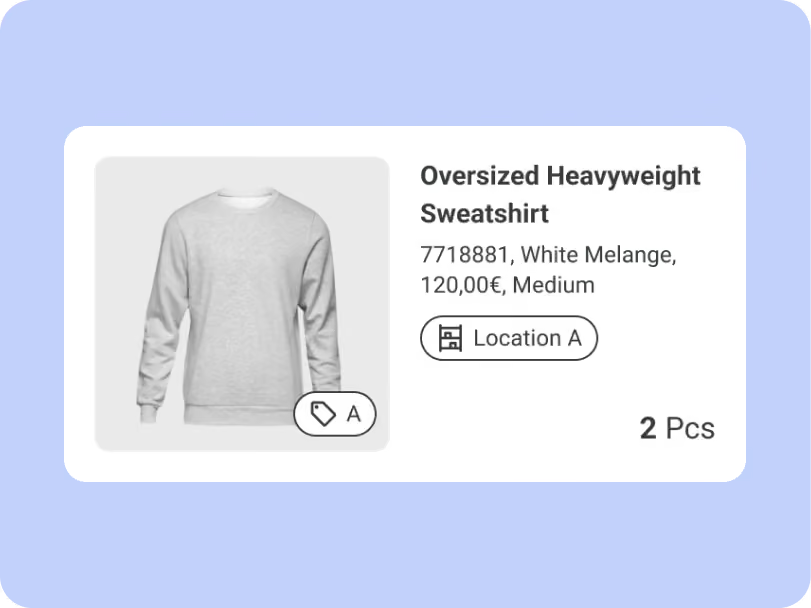
Structured pick jobs guide associates through the facility with optimized routes, location advice, and deadline visibility. Multi-order picking, latest picking start, and headless picking are supported in every setup.
Packing
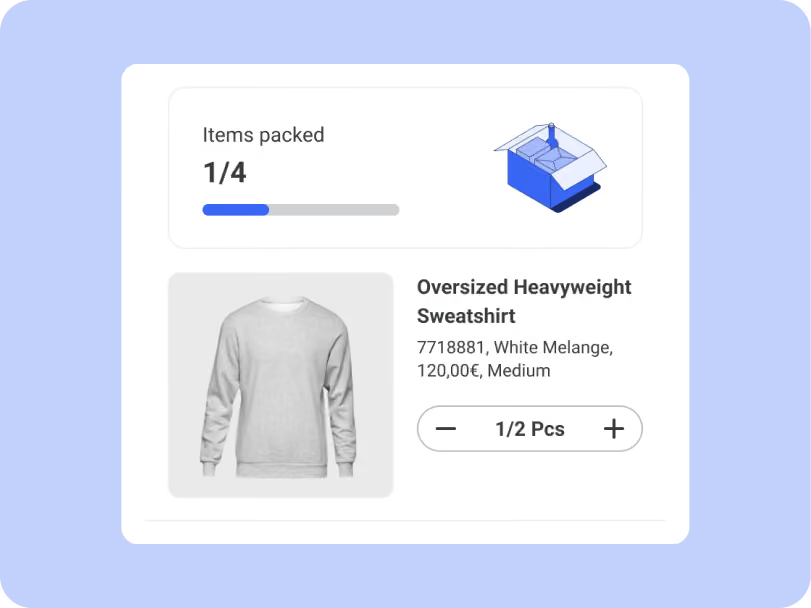
Pack jobs guide associates from picked items to dispatch-ready packages. Configurable container types ensure packing is consistent and aligned with carrier requirements across every facility.
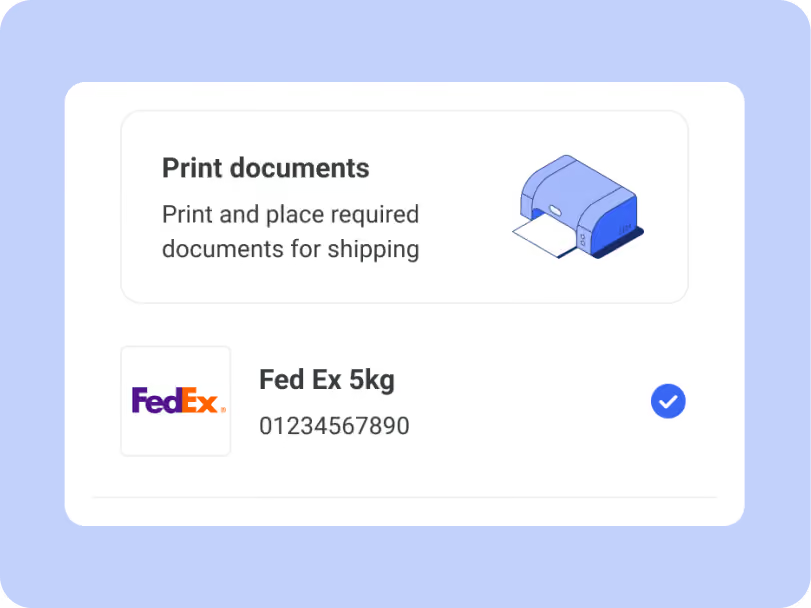
Carrier management
Connect any carrier directly to fulfillmenttools. Shipping labels are generated automatically, handover processes are structured, and custom carrier configurations support specific requirements.
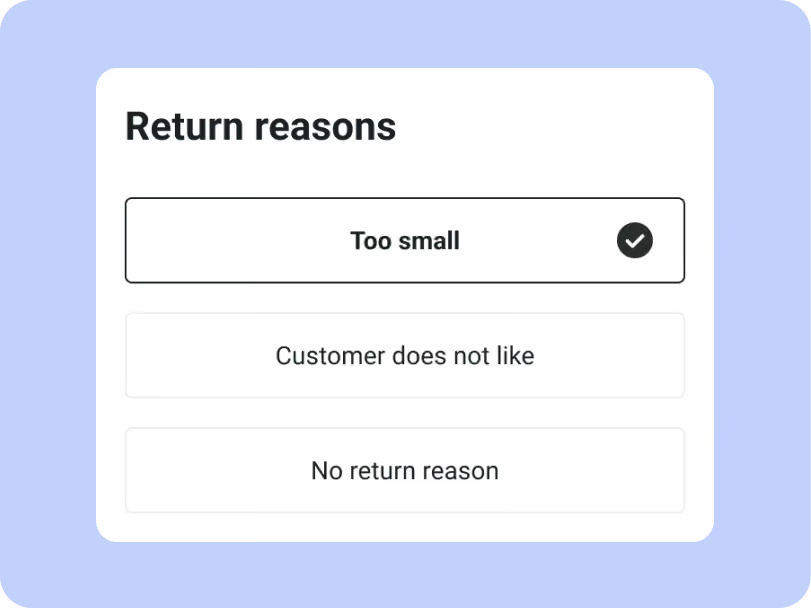
Returns
Returns are received, assessed, and restocked through a structured process at the facility. Returned inventory is immediately visible to the routing engine, keeping availability data accurate across the network.
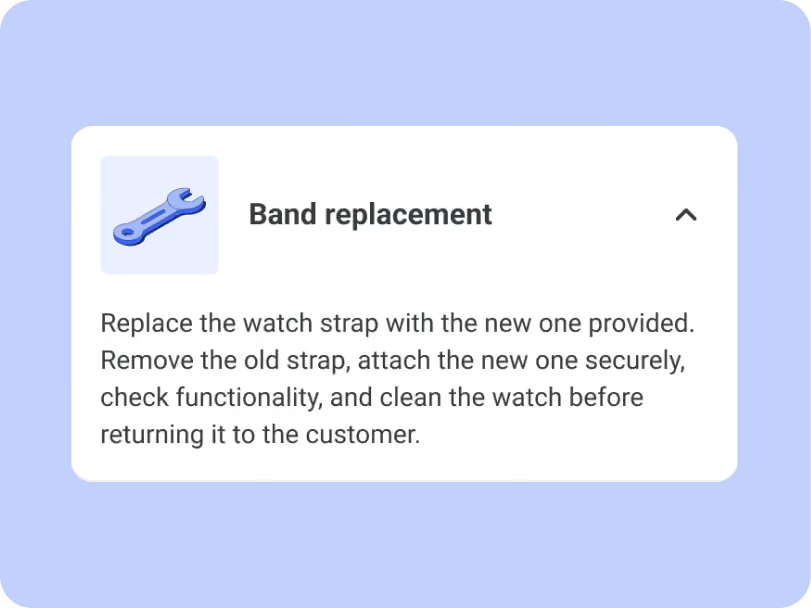
Services
Custom services such as gift wrapping, engraving, or assembly are managed as service jobs alongside the standard fulfillment process. Bundled line items combine products and services in a single flow.
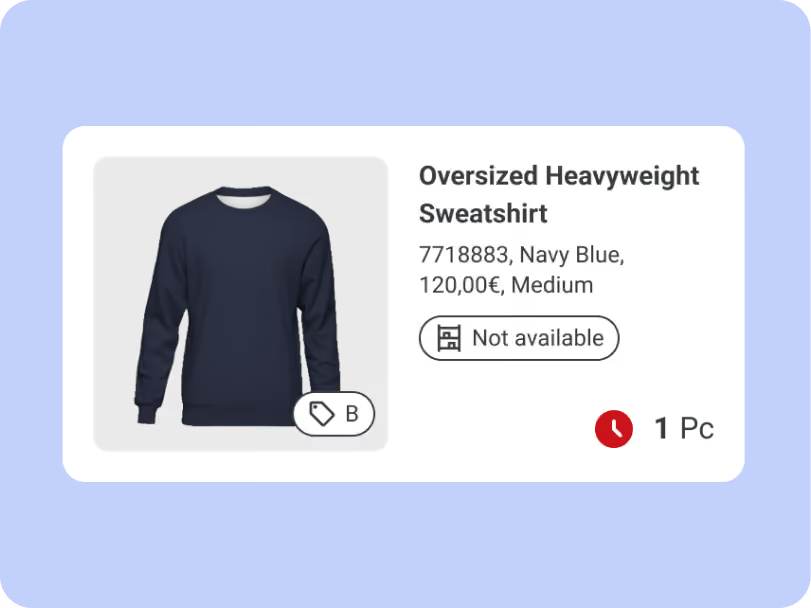
Store Operations flow
One app for every step your stores fulfill
Store associates work through picking, services, packing, handover, and returns in a single guided app. Every step lands in the platform as it happens, so the rest of the network sees store progress in real time.
Workload overview
See the whole day at a glance
Associates open the app to a live view of urgent tasks, their own progress, and everything still outstanding in the store. Teams know what needs attention.
Order handling
Find and start the right order
Orders are grouped by picking, service, packing, and handover, each with its deadline in view. Associates pick up the next piece of work without walking back to a screen behind the counter.
Guided picking
Scan every item as you pick
The app guides associates through the store in an optimized sequence and confirms each item by scan. Wrong items and miscounts get caught at the shelf instead of at the customer.
Value added services
Complete services before packing
Item-level instructions, required tools, and special notes appear next to the product they belong to. Service work happens in store without a paper handover between colleagues.
Packing
Pack with the right materials
Each parcel is confirmed item by item, with packaging and delivery notes shown in the flow. Packing stays consistent across stores no matter who is on shift.
Labels and paperwork
Print documents and labels on the spot
Shipping labels, return labels, and required paperwork are generated in the app and sent to the store printer. Nobody leaves the counter to chase a document.
Carrier handover
Hand over to carriers with confirmation
Associates confirm parcels into a carrier handover list and capture the pickup as it happens. What left the store is settled by record rather than by memory.
In-store returns
Take returns with a clear decision
Associates record the reason and condition, and the app applies the restocking rules to each item. Returned stock becomes sellable again the moment the decision is made.




Frequently asked questions
Everything you need to know about picking, packing, carrier integration, and returns management in fulfillmenttools Store Operations.
All topics
Picking and packing
Carriers and handover
Returns and transfers
Can stores fulfill online orders?
Yes. With fulfillmenttools Store Operations, stores become fulfillment locations for online orders through ship-from-store and click-and-collect, and they can also handle in-store returns. Orders are routed to the right store automatically, and associates pick, pack, and hand them over in a guided workflow, based on real-time stock in the Global Inventory Hub.
Does fulfillmenttools support click and collect?
Yes. Customers order online and pick up in the store of their choice. fulfillmenttools checks real-time availability per store before the order is placed, routes it to that store and guides associates through picking and handover. Click-and-reserve, where customers reserve items to try or buy in store, is supported as well.
On which devices does the Store Operations app run?
The Store Operations app runs on Android devices via the Google Play Store, on iOS devices via the App Store, and in any web browser. All platforms share the same feature set, and new features are released on Android, iOS and web at the same time, because every client is built from a single codebase. Store teams can use smartphones, tablets or dedicated scanning devices.
How does fulfillmenttools guide store associates through the picking process?
When an order is routed to a facility, a pick job is created automatically. Associates are guided through the facility with an optimized pick sequence based on storage locations and zones. Priority, deadline visibility, and real-time updates keep the process aligned with carrier cut-off times and delivery commitments.
Can multiple orders be picked at the same time?
Yes. Multi-order picking allows associates to pick several orders in a single run through the facility. Batch pick jobs reduce travel time, increase throughput, and keep fulfillment capacity aligned with order volumes, particularly during peak periods.
How is carrier integration managed across facilities?
Carrier connections are configured at the network level and applied per facility based on location and order profile. Shipping labels are generated automatically during packing or handover. Custom carrier support ensures that facilities can work with any carrier, including regional and specialist providers.
How does the returns process work?
Returns are received and processed at the facility through a structured returns workflow. Each returned item is assessed and restocked according to configurable rules. Returned inventory is reflected in the Global Inventory Hub immediately, keeping availability data accurate for routing decisions across the network.
Can stock be transferred between facilities?
Yes. Interfacility transfers allow inventory to be moved between locations within the network. A transfer order manages the full process, from initiation and dispatch at the sending facility to receipt and restocking at the destination. Stock visibility is maintained throughout the transfer.
Store Operations
Turn stores into reliable fulfillment nodes
See how fulfillmenttools turns your stores and warehouses into efficient, connected fulfillment nodes — guided by intelligent routing decisions and executed with precision.